
Instructions and tools
Problem
Section titled “Problem”Custom instructions and tool definitions included in a request add recurring input. Unused or bloated items are a fixed tax; some tool schemas can be loaded on demand (see MCP audit).
Actions
Section titled “Actions”Custom instructions (.github/copilot-instructions.md, *.instructions.md, AGENTS.md)
- Keep only stable, high-value facts: build/test commands that differ from defaults, required env vars, where generated files live, conventions the agent cannot infer.
- Scope with
applyToin*.instructions.mdso language- or folder-specific rules load only where they apply. Think in three tiers: always-on (few rules that apply every time), conditional (applyTopath rules), and on-demand (skills or notes for occasional workflows such as PR review). - Delete anything the agent can discover cheaply from the code. Do not paste long style guides.
- Facts stated once in instructions save the agent from rediscovering them in every session.
- Avoid duplicating rules across
copilot-instructions.md,AGENTS.md,CLAUDE.md, and*.instructions.md. Applicable files can be injected together, duplicating fixed prefix tokens; keep one canonical source per scope and check what actually loaded. - Write the rules tersely (declarative rules, no filler); the file is re-sent on every request.
- For tool-routing and fallback instructions, consider a BPE-aligned formula layout (
need => tool,condition -> action,>priority chains; see Prompt and output style). As a VS Code reference case, converting the auto-loaded.instructions.mdin dotnetpower/code-context from 106-line prose (9,127 bytes, 2,048o200k_basetokens) to a 26-line BPE-aligned formula specification (2,688 bytes, 718 tokens) cut per-turn instruction tokens by 64.9% while retaining 100% (31/31) rule-recognition accuracy across 12 edge-case scenarios.
Do not auto-generate and forget. An ETH Zurich study of repository context files (arXiv 2602.11988) found that context files do not generally improve task success while increasing inference cost by over 20% on average; repository overviews were not helpful, while instructions for non-standard practices were followed. Treat the file like a bug tracker: add a line when the agent hits a real “landmine”, delete lines the agent can learn from the code, and re-evaluate when the code changes.
| Keep (landmines) | Delete (self-discoverable) |
|---|---|
“Use uv, not pip” | “This is a Python project” |
“Run tests with --no-cache” | “Tests live in tests/” |
“Do not refactor auth/ — audit pending” | “We use PostgreSQL” |
| “Deploy requires VPN” | “Code quality matters” (empty advice) |
Tool catalog
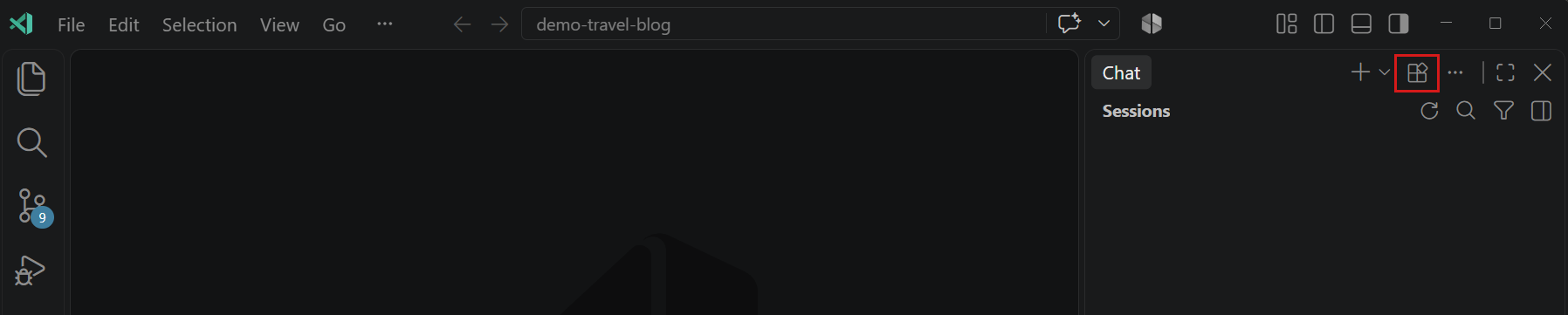
- Use Configure Tools in the chat input to enable only the tools or MCP servers the current task needs.
- In custom agents, set the
toolsproperty to a narrow, task-specific list. - Prefer one focused CLI (invoked through the terminal tool) over loading dozens of single-purpose MCP tools — if your organization can maintain and secure it.
- Choose tools before starting a session: enabling an MCP server mid-session changes the tool definitions and can break prompt-cache reuse (visible as the first divergence in the Cache Explorer).
Batch deterministic loops
- For bulk or polling workflows, run a reviewed script via the terminal and give the model only the summary, rather than many tool calls whose outputs all land in context.
How to verify
Section titled “How to verify”In Agent Debug Logs, compare input tokens of the first request before and after trimming. Then run the baseline task and compare session credits. Re-check quality: did the agent start rediscovering things?
Trade-offs
Section titled “Trade-offs”- Over-pruned instructions cause repeated discovery; over-pruned tools cause failed or manual workarounds.
- Benchmark scripted versus interactive versions — savings depend on the tools and results.
Further reading (papers)
Section titled “Further reading (papers)”Ordered by venue tier, then citations. Findings are hypotheses to verify on your own workload; see the full list in Papers.
- Batch Prompting: Efficient Inference with Large Language Model APIs — EMNLP 2023, 154 citations. Packs several samples into one prompt so instruction tokens are shared.
- MCP-Zero: Active Tool Discovery for Autonomous LLM Agents — preprint 2025, 55 citations. Lets the agent request tools on demand instead of injecting all tool schemas.
- RAG-MCP: Mitigating Prompt Bloat in LLM Tool Selection via Retrieval-Augmented Generation — preprint 2025, 41 citations. Retrieves only the relevant MCP tool descriptions instead of loading every tool (prompt bloat).
- Evaluating AGENTS.md: Are Repository-Level Context Files Helpful for Coding Agents? — preprint 2026, 36 citations. Repository context files did not generally improve task success and raised inference cost by over 20% on average.
Sources
Section titled “Sources”- Optimize AI credit usage — Keep the tool catalog focused, Batch repetitive operations, Ground the agent
- Diagnose prompt caching with the Cache Explorer
- Evaluating AGENTS.md: Are Repository-Level Context Files Helpful for Coding Agents? (arXiv:2602.11988)
- MCP audit for the deeper tool-catalog procedure